
The First Word You See puzzle maker
Hide your words in a letter grid, pick a design, and download the image or share a playable link. Free, no account, and everything stays in your browser.
One word per line, or separate with commas. Add a meaning after | for the interactive page. Start a line with * to spotlight that word near the top-left.
Colours
Fancy letters are Unicode characters drawn with your device’s own fonts, so they can look slightly different on another device. Want them in your caption too? Try the Fancy Text Generator.
Image size
Grid shape
Difficulty
Random letters sometimes spell real words. Scan to see what else your audience might spot first.
How to make a “first word you see” puzzle
- Choose your wordsStart from one of 56 ideas or type your own, one per line. Add a meaning after each word if you want the interactive reveal.
- Pick a templateBrowse 60 designs from minimal to neon, then adjust fonts, colours, cell style and grid shape.
- Set the sizeSquare, portrait, story, Pinterest, wide, link preview or a printable page. The layout adapts to each one.
- Download or shareSave a PNG, grab the answer key, or copy the interactive link and QR code for your audience.
Popular puzzle ideas
All 56 ideas → Best Personality Trait“…is your best personality trait”
 Your Word of the Year“…is your word of the year”
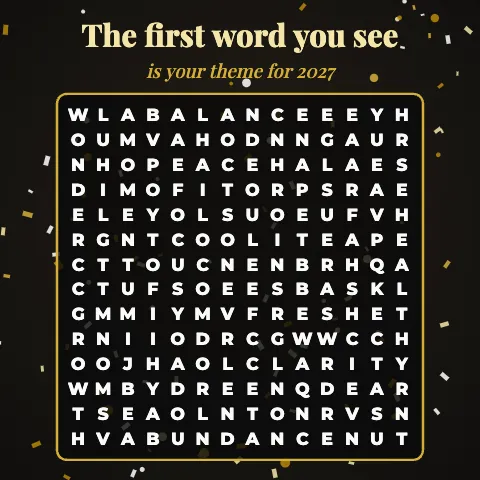 New Year 2027“…is your theme for 2027”
 What You Will Manifest“…is what you will manifest next”
 Your Spirit Animal“…is your spirit animal”
 Your Love Style“…is your love style”
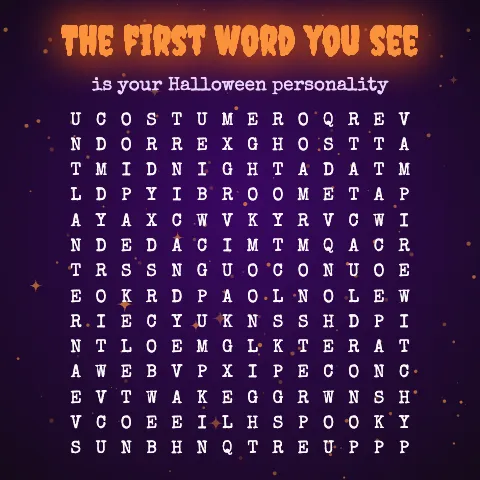 Halloween Spirit“…is your Halloween personality”
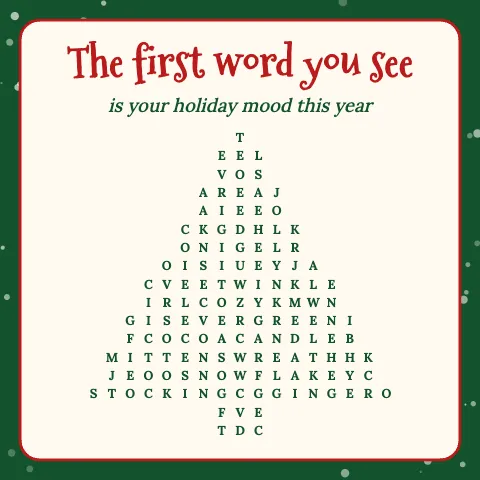 Cozy Christmas“…is your holiday mood this year”
 Team Icebreaker“…is the question you answer today”
 Bridal Shower Wishes“…is your wish for the happy couple”
PersonalityFuture & manifestationLove & friendshipLifestyle & funSeasons & holidaysWork & teamsParties & eventsBrands & classroom
Why creators use this maker
Designs that look finished
60 templates with real typography, patterns and frames. Hearts, stars, circles and trees when a plain square will not do.
An interactive version
Share a link where people tap the first word they see and get the meaning you wrote, plus a result card they can post.
Safe to post
The clean-grid filter keeps rude words out of the random letters, and a dictionary scan shows what else slipped in by chance.
Sized for every platform
Instagram, Stories, Reels, TikTok, Pinterest, X, slides and print. One click changes the canvas and the layout follows.
Spotlight a word
Running a launch or a giveaway? Star a word to place it where eyes land first, or leave everything to chance.
Private by design
No account, no upload. Drafts and saved puzzles live in your browser’s local storage, and links carry their own data.
Fancy letter styles
Switch grid letters to circled, squared, double-struck or script Unicode styles, and style your caption to match.
Answer key included
Download a second image with every hidden word highlighted. Handy for carousels, classrooms and party games.
Templates for every mood
See all 60 templates →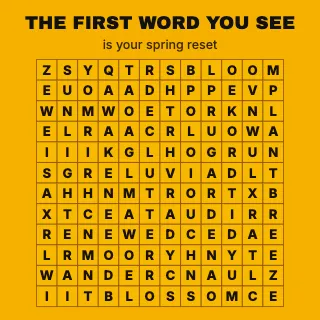
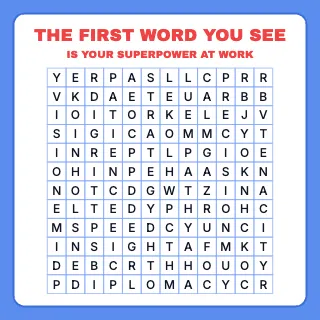
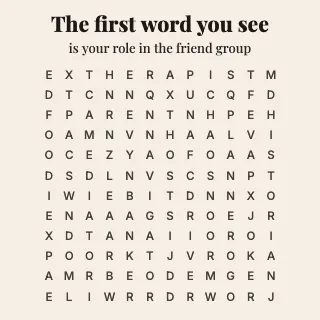
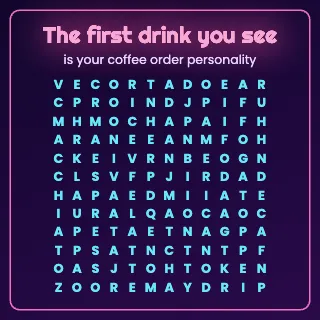
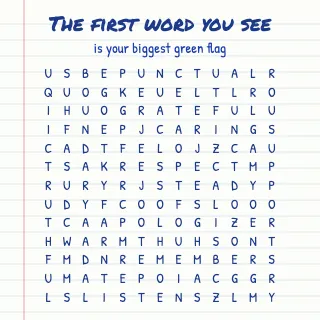
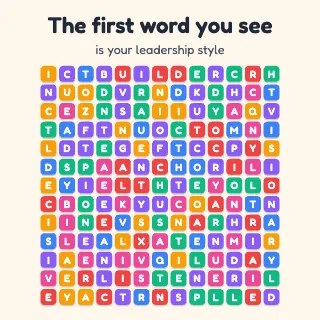
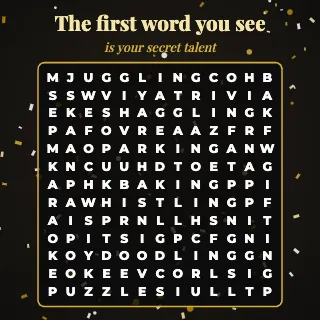
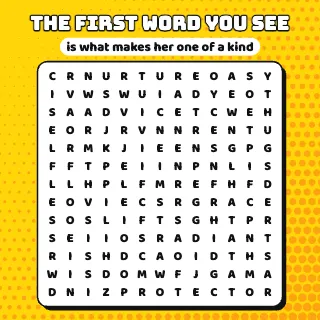
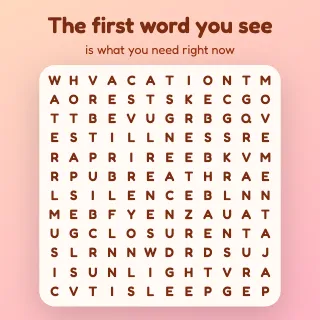
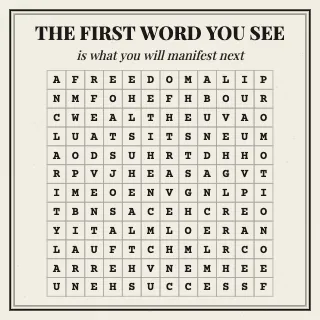
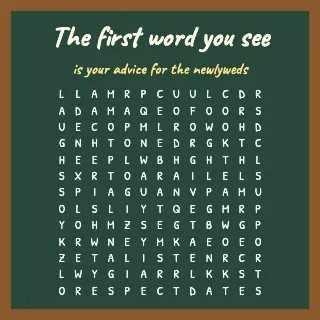
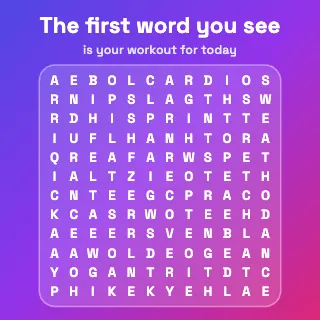
What is “the first word you see”?
You have seen these posts: a square of jumbled letters under a line like “The first word you see is your theme for the year.” You glance at it, a word jumps out, and you comment it before you have thought twice. They are word searches turned into a one-second game, and they travel well because everyone gets a different answer.
The format works for much more than New Year posts. Brands use it to tease a launch, teachers use it as a warm-up, hosts print it for showers and birthdays, and word-game fans simply enjoy a fresh grid. This site gives you the grid, the design and a playable version in one place.
One honest note: the first word you see says more about where your eyes landed than about who you are. Our guide to the psychology behind it explains what is really going on, and why it is still worth sharing.
Who it is for
- Creators who want a post people actually comment on. See 100+ prompt ideas.
- Marketers and small businesses planning launches, giveaways and newsletters. Read word puzzle marketing ideas.
- Teachers and parents who need a quick vocabulary or kindness activity. Try the word search maker with a printable answer key.
- Hosts of showers, birthdays and team offsites. See party word search games.
- Word-game fans who want a daily grid. Play today’s puzzle.
Questions and answers
Full FAQ →What is a “first word you see” puzzle?
It is a letter grid that hides a set of words under a headline such as “The first word you see is your best personality trait.” Viewers glance at the grid, and the word they notice first is their answer. It works like a word search with a twist: you only need to find one word.
Is the maker really free?
Yes. Every template, size, shape and export is free, with no account and no watermark you cannot remove. The small site credit under the grid is a checkbox in the Grid tab.
Does the first word I see actually reveal my personality?
No. It is a game, not a test. Which word you notice first depends on where your eyes land, word length, direction and what is on your mind that day. That is exactly why it is fun to compare with friends.
Where are my puzzles stored?
In your browser only. Drafts and saved puzzles use local storage on this device, and share links carry the whole puzzle inside the link itself. Nothing is uploaded to a server.
What sizes can I export?
Square 1080×1080, portrait 1080×1350, story 1080×1920, Pinterest 1000×1500, wide 1920×1080, link preview 1200×630, plus US Letter and A4 at 300 dpi for printing. All exports are PNG.
How many words should I hide?
Twelve to eighteen words of four to nine letters works well in a 12–14 letter grid. Fewer words makes each one easy to spot; more words makes the result feel more personal. Auto-size picks a grid that fits whatever you type.
What does the interactive link do?
It opens a playable version of your puzzle. People drag across the first word they see, get the meaning you wrote for it, and can save a result card or share the link on. The link also works as a QR code for posters and slides.
Can I stop rude words from appearing by accident?
Yes. The clean-grid filter is on by default and re-rolls any random letters that spell a blocked word in any direction. The “unexpected words” scan also lists ordinary dictionary words that appeared by chance.
Guides
All guides →Classroom Word Search Activities for Every Grade Band
Practical word search activities for K-12, with leveling by difficulty and grid size and tips for printing.
Fancy Fonts for Puzzle Captions: How Unicode Text Works
What Unicode fancy text really is, where it fits in puzzle posts, and when plain text is the better choice.
110+ First Word You See Ideas and Prompts for Every Theme
Over 110 ready-to-use prompts for first word you see posts, sorted into eight themes with matching word packs.
How to Choose Words for a Word Search: Count, Length, Fit
How many words to use, how long they should be, how to size them to the grid, and how to avoid overlaps and accidents.
How to Make a First Word You See Puzzle in 6 Easy Steps
A six-step walkthrough of the free maker, from choosing words to exporting a PNG or sharing an interactive link.
How to Spot Words Faster in a Word Search: 9 Techniques
Nine practical scanning techniques for word searches, plus quick pointers for Wordle and other word games.
More free tools from the same makers
Fancy Text Generator
Copy-and-paste Unicode fonts for captions and bios.
Wordle Solver
Hints and best next guesses for Wordle fans.